
Install Raid Train Express 📱
Add Raid Train Express to your phone's home screen so it opens like any other app.
Follow the steps below to install
Your browser isn't offering a one-tap install right now — that's normal if you've dismissed the prompt before, or if you're not using Chrome. The steps below always work.
- 1
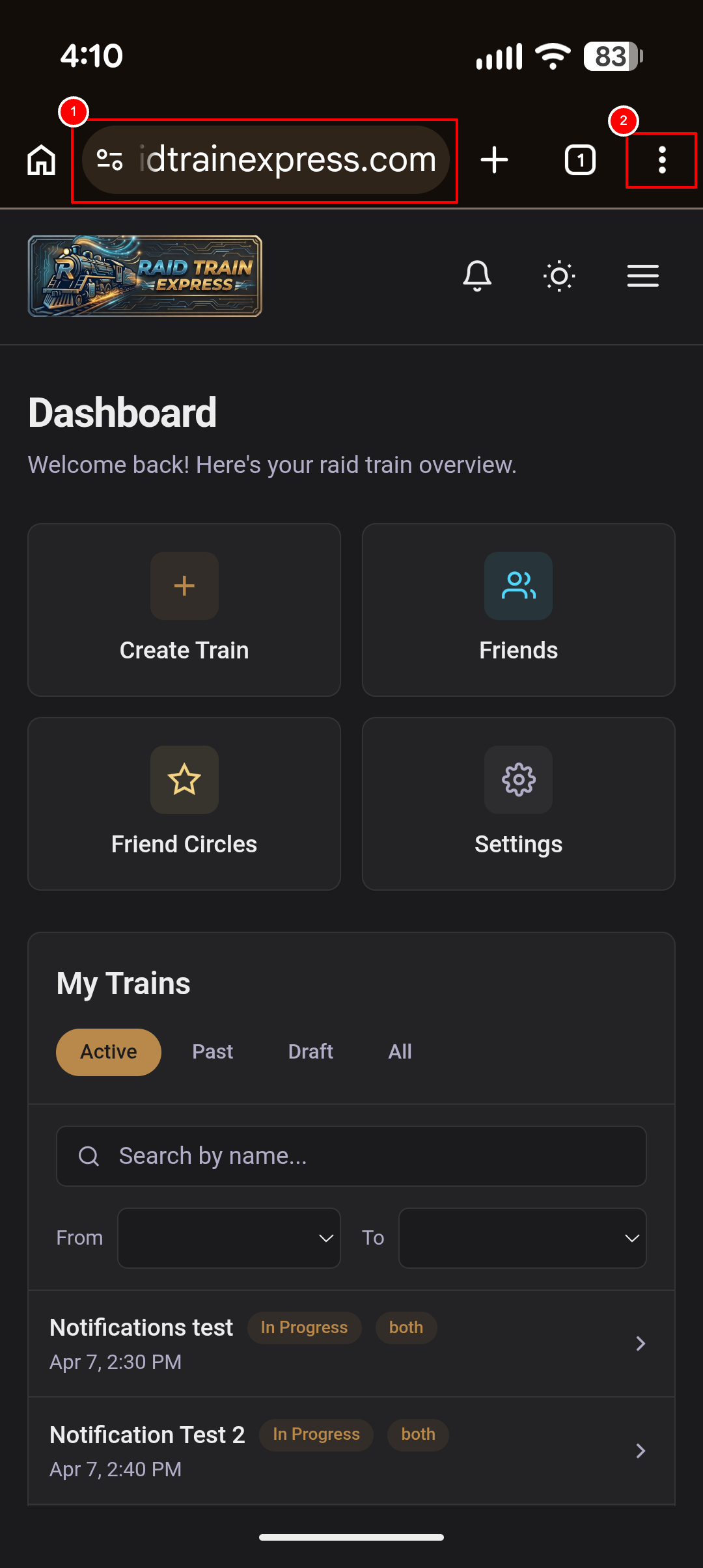
Open the website in Chrome, and open the Chrome menu
Launch Chrome and navigate to www.raidtrainexpress.com. You will see the Raid Train Express Dashboard. Tap the three vertical dots (⋮) in the top-right corner of Chrome.
- 2
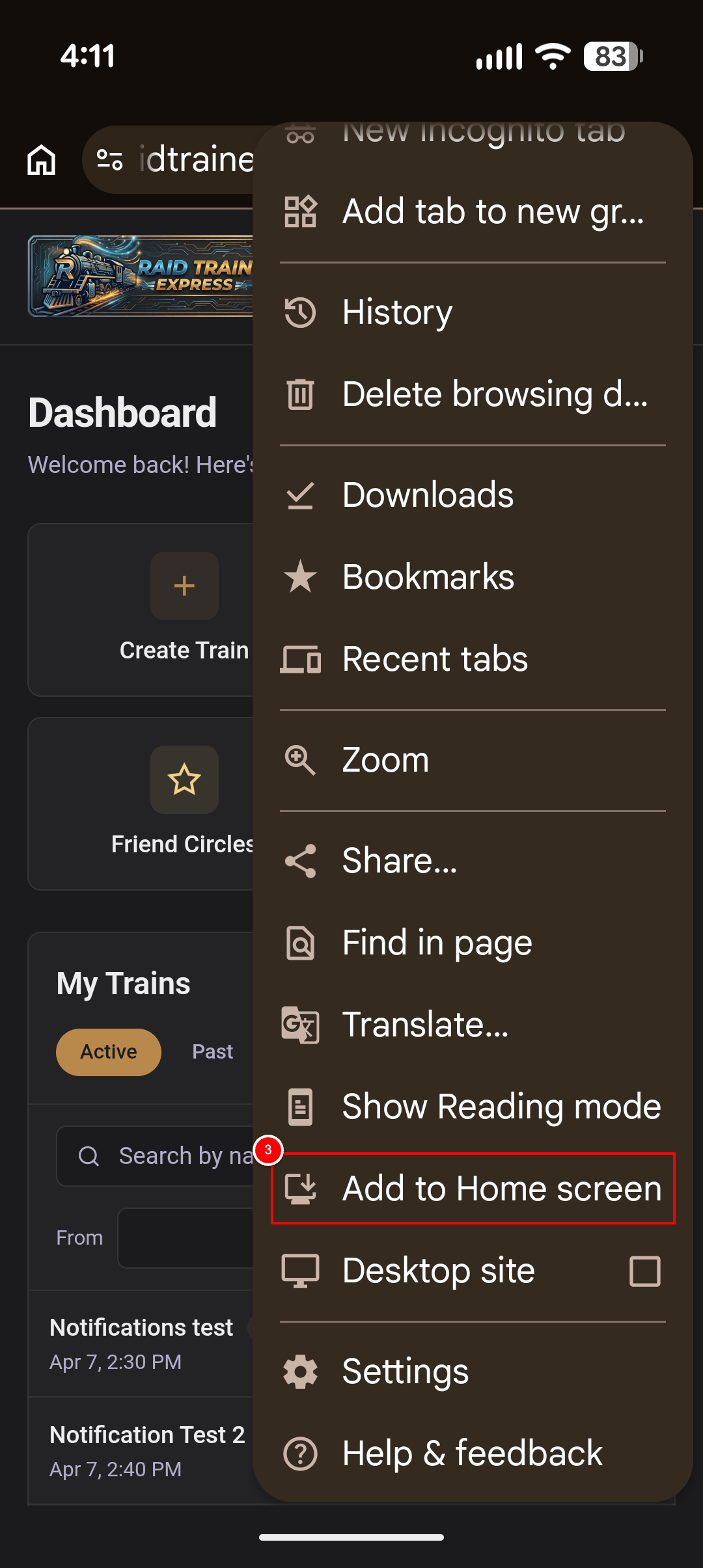
Select "Add to Home screen"
Scroll down in the menu and tap Add to Home screen.
- 3
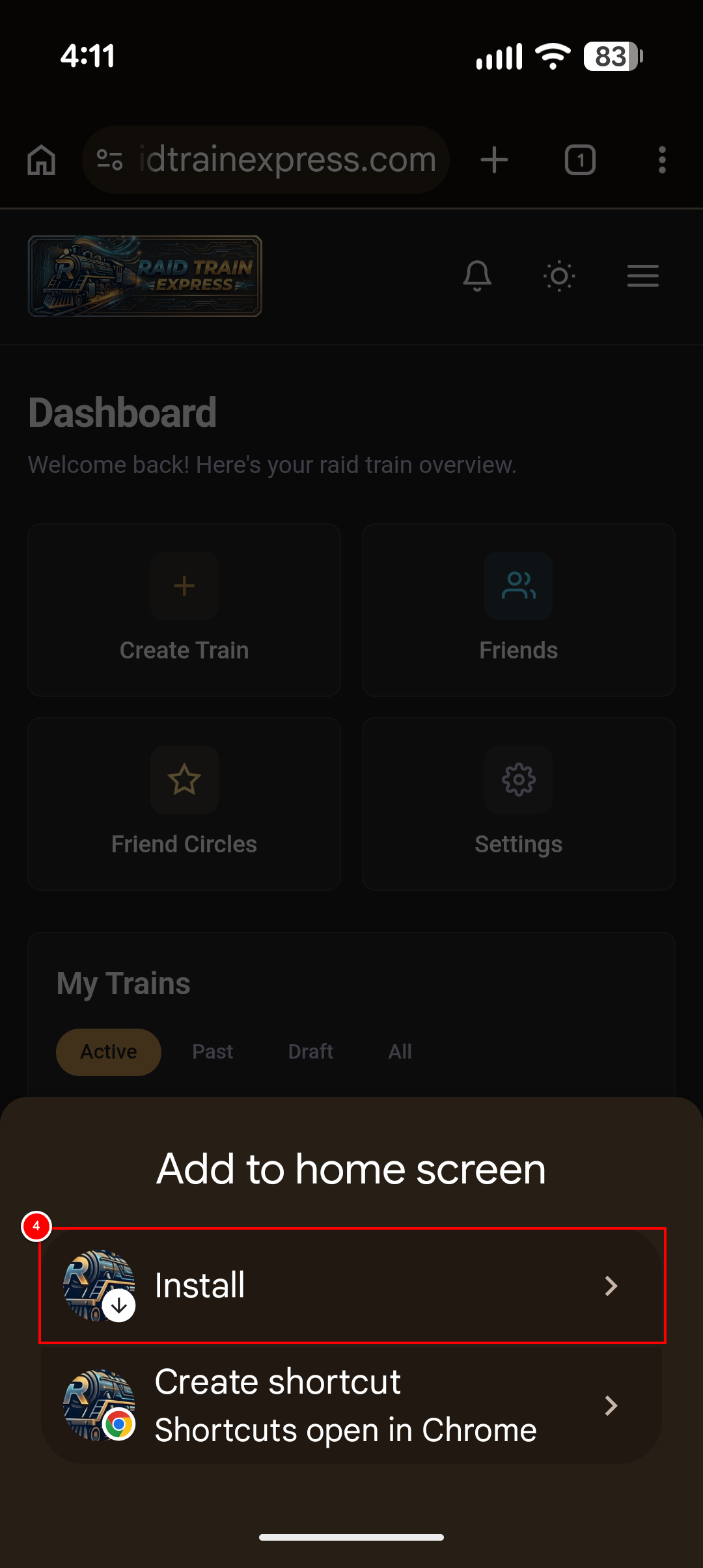
Choose the Install option
In the bottom sheet, tap Install — you'll see the Raid Train Express icon with a download arrow.
- 4
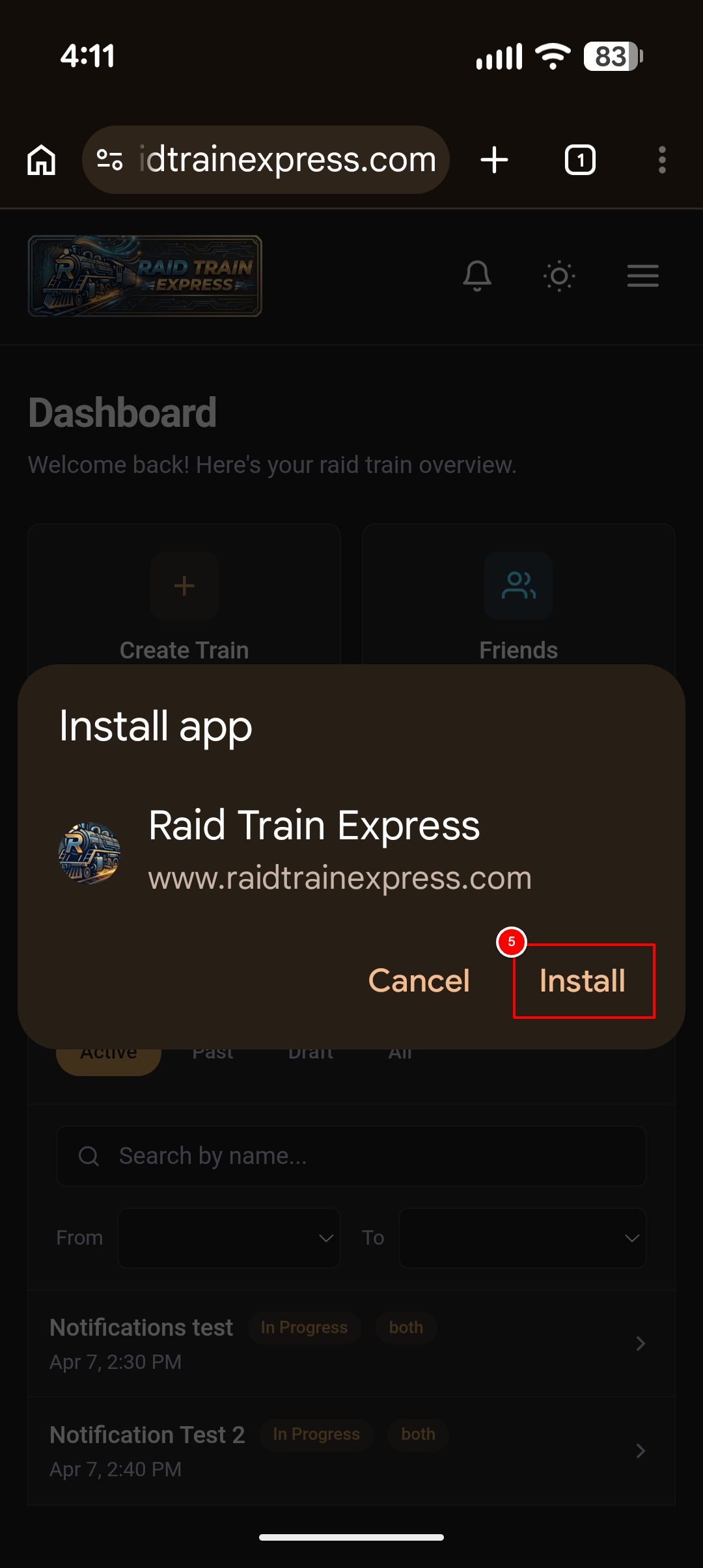
Confirm the app installation
A dialog titled "Install app" will appear. Tap the Install button to confirm.
- 5
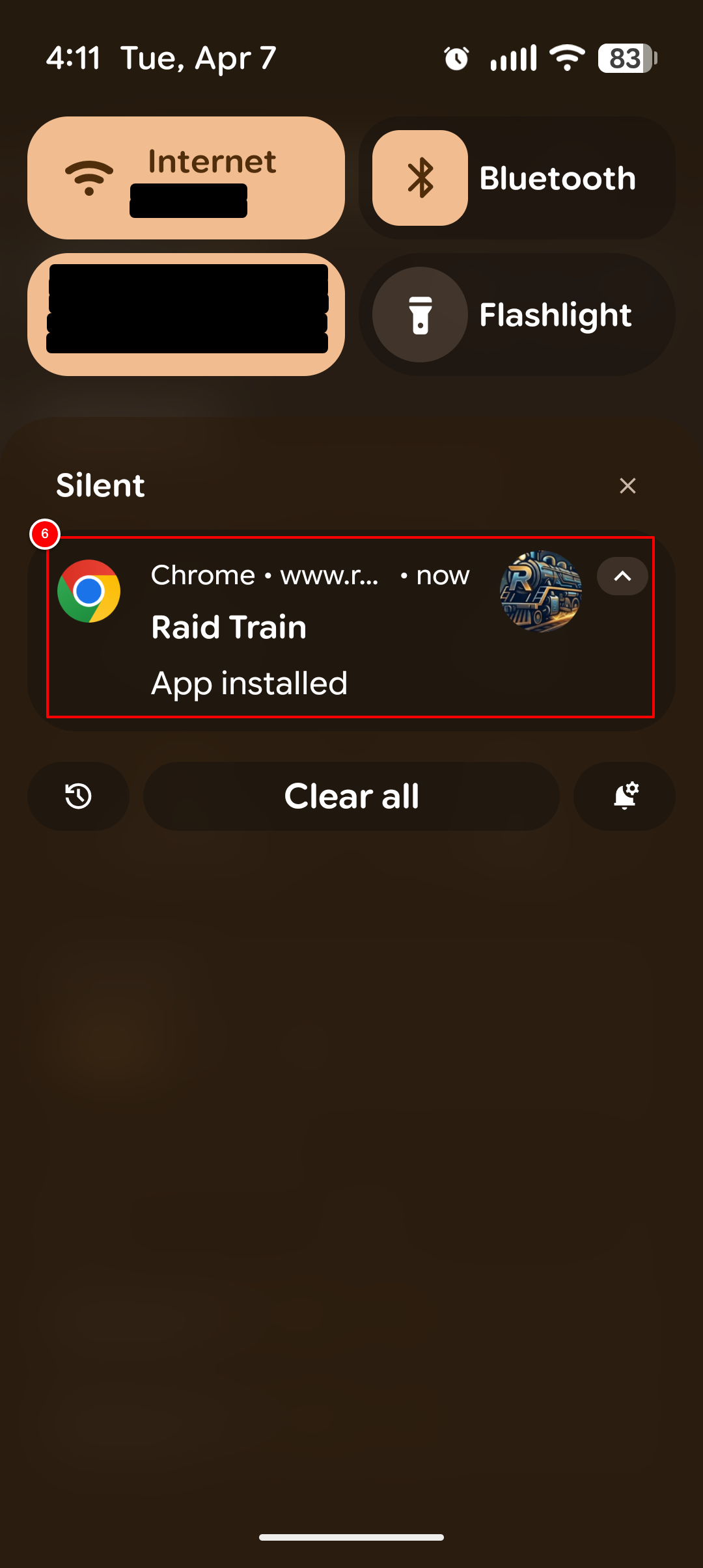
View the installation confirmation
Pull down your notification shade to see the confirmation that the app has been installed.
- 6
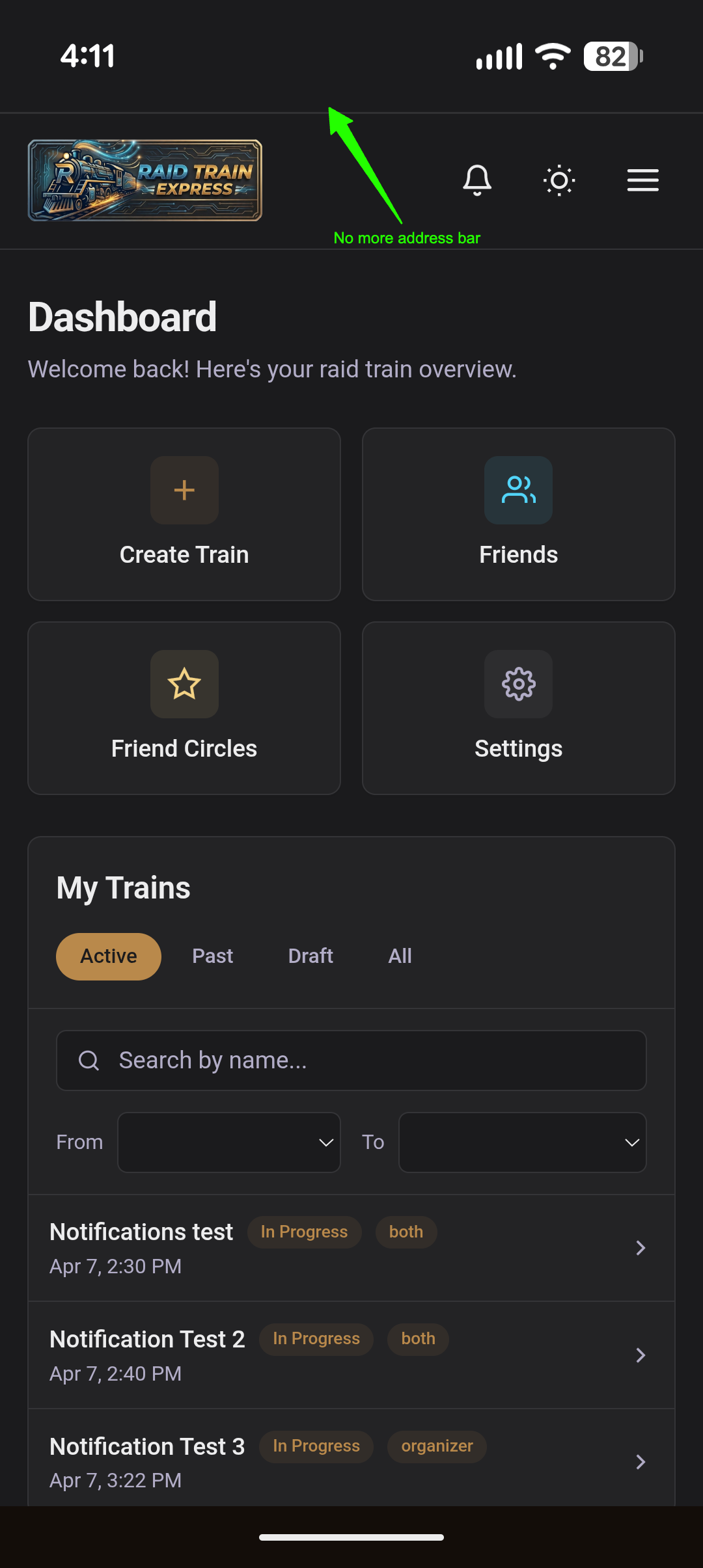
Launch the installed app
Open the app from your home screen or app drawer. It now runs in full-screen mode with no address bar.
- 7
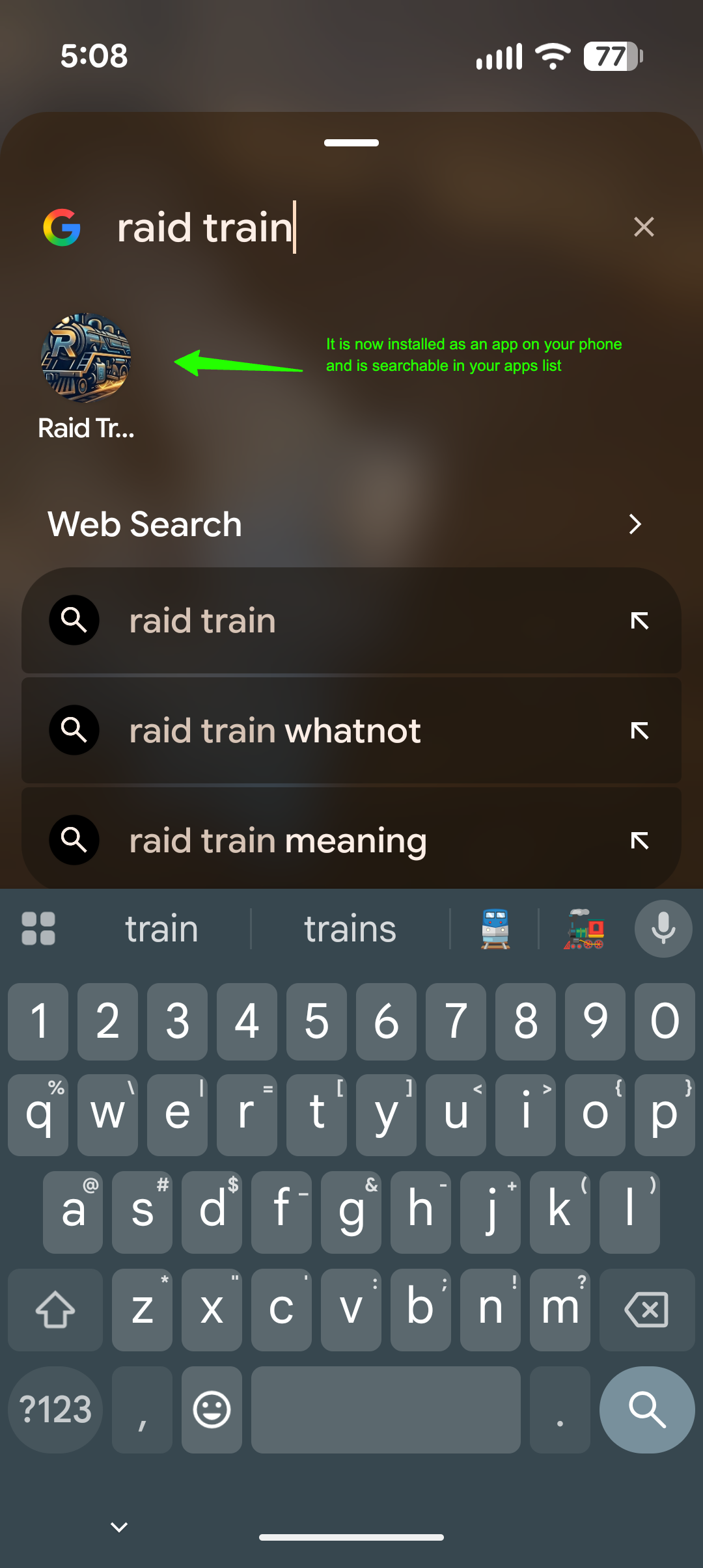
Find the app in your app list
Search for "Raid Train" in your phone's app drawer. The app will appear just like any other installed app.
- 8
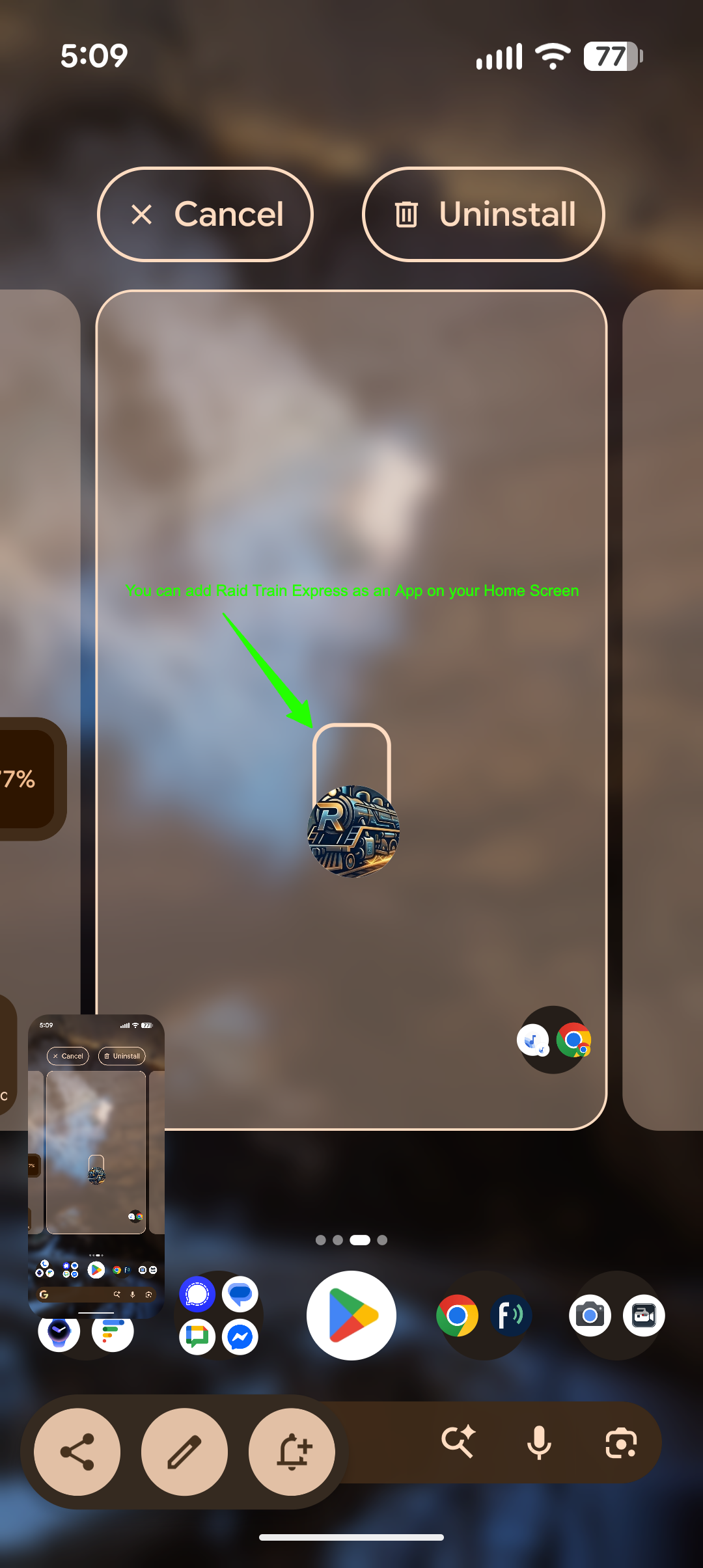
Move the app to your home screen (optional)
You can move the app to your home screen for easier access. Tap and hold the app icon, then drag it to your desired location on the home screen.
- 9
Access from your home screen
The Raid Train Express icon is now on your home screen. Tap it anytime for quick access!
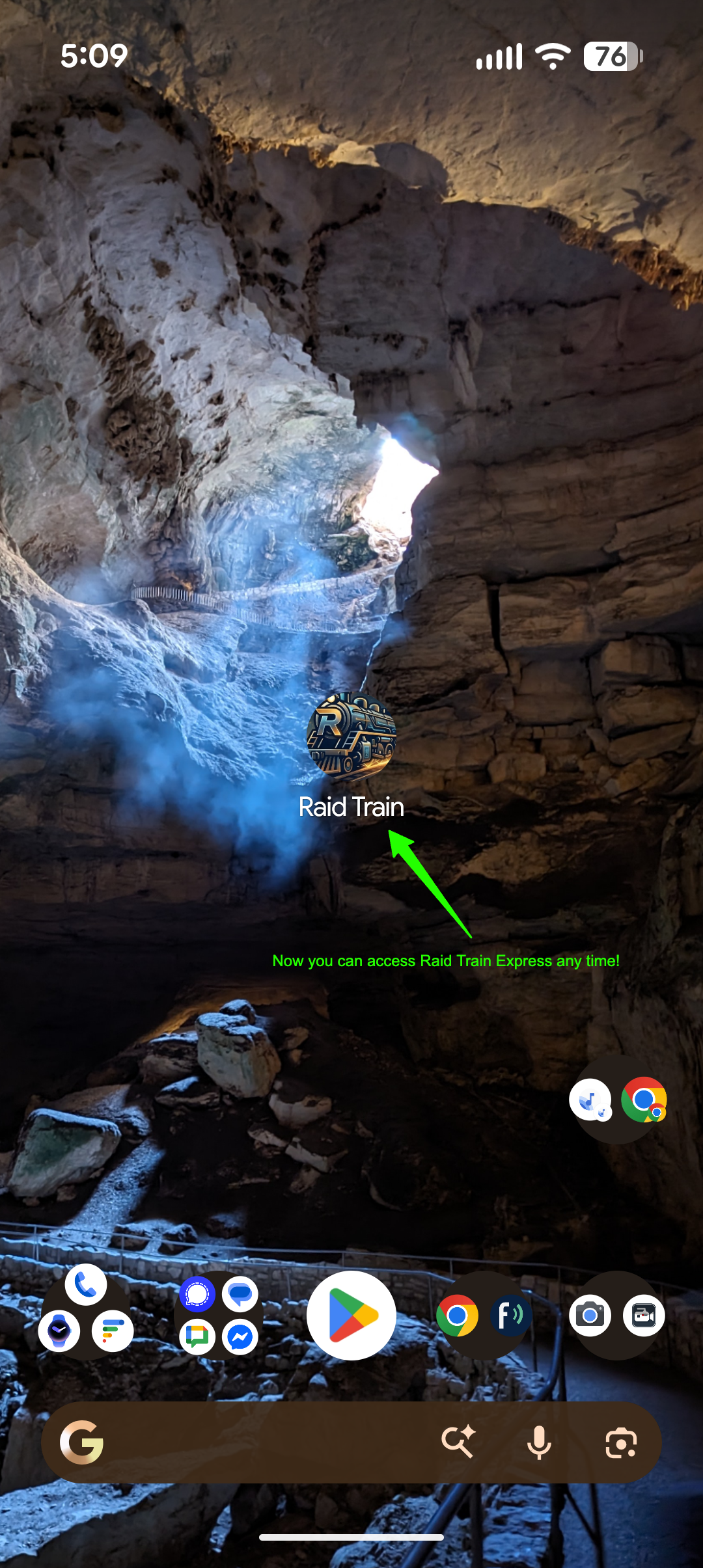
You're all set! 🎉
Raid Train Express is now installed as a native-like app on your Android device. Launch it directly from your home screen or app drawer — no browser needed.